Your things. Finally easy to find.
Stow & Know.
Know what you have. Know where it is.
A visual catalog for the things around your home — so you can find them, track what matters and know what needs attention.

Four simple habits.
Organize
Everything gets a Space and a Place.
Find
Search, browse or scan.
Track
Amounts, lending and useful details.
Use
Know what needs attention next.
Catalog, Spaces and Places
One place for all the things you own.
Photograph what you own, give it a Space and a Place, then search whenever you need it.
- Visual catalog
- Spaces and Places
- Search
QR Place labels
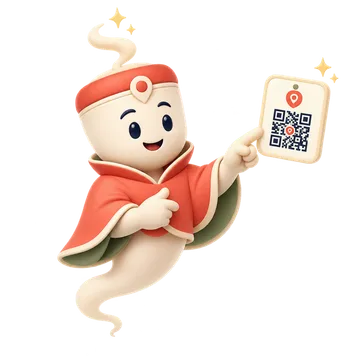
Scan a Place. Stow it there.
Put a QR label on a box, drawer or shelf. Scan it to open that Place or add something directly there.
- Open a Place
- Add items there
- Print labels
Quantity
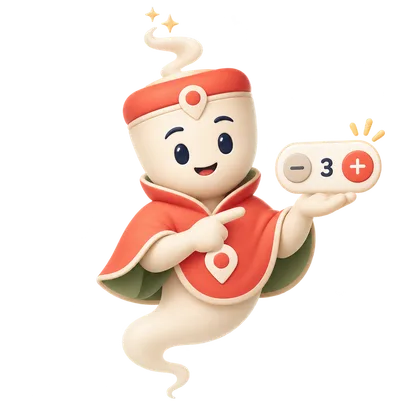
Know how much is left.
Track amounts only for the things where quantity matters.
Wood screws · 18 pcs · Running Low
- Optional per item
- Quick adjustments
- Running Low and Out
Food and freezer
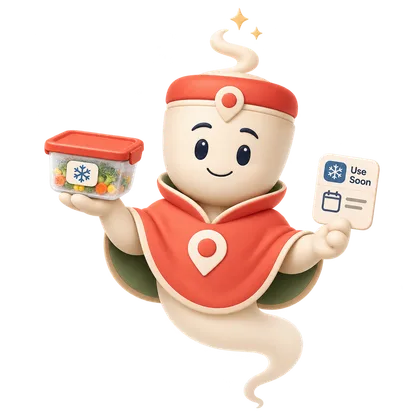
Use it before it’s forgotten.
Track freezer items, portions and dates with a simple Use Soon view.
Use Soon
Bolognese
3 portions · Frozen 18 Aug
Use by 18 Nov
Tomato soup
4 portions
Use Soon
- Freezer Places
- Portions
- Dates you enter
Stowjin tracks dates you enter; it does not determine food safety.
Lending
Remember who has it.
Keep track of what you lent, who has it and when it comes back.
Local-first by design
Your catalog. Your storage.
Stowjin works locally. If you want the same catalog on more devices, choose a storage location you already use.
- Works locally on your device
- One catalog across the devices you choose
- Sync through storage you already use
- No account required for local organization
Stow it once. Know it later.
Three steps. Then you simply know.

01 · Capture
Take a photo and add only the details that help you later.
02 · Give it a Place
Tell Stowjin where the item normally is.
03 · Know
Search, scan or browse whenever you need to find it again.
Made for the whole home.
Craft room
Stamps, paper, inks, dies, fabrics, paints and all the little things.
Workshop
Tools, screws, spare parts, accessories, batteries and materials.
Household
Appliances, cables, seasonal items, documents and storage boxes.
Freezer
Meals, portions, dates and the food you should use next.
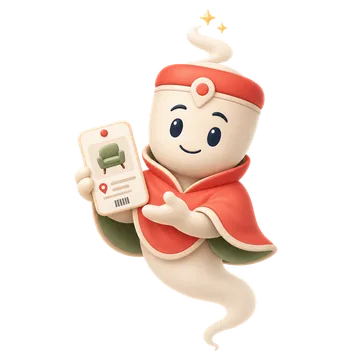
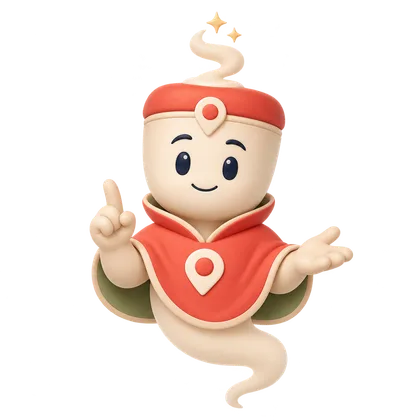
Meet the Jin
A little magic, only where it helps.
The Jin guides onboarding, explains features and celebrates useful moments — while the everyday catalog stays clean, calm and focused.
Made for the screens you use.
Phone · Tablet · Desktop
Frequently asked questions
Is Stowjin a warehouse inventory system?
No. It is designed as a calm personal catalog for homes, hobbies and everyday belongings.
Do I need an account?
Not for normal local use. Synchronization can use a storage location selected by the user.
Can I use the same catalog on multiple devices?
Yes. Devices can connect to the same Stowjin catalog through the storage location you choose.
Does Stowjin work for consumables?
Yes. Quantity tracking is optional, so materials such as paper or screws can have amounts and low-stock thresholds while normal objects stay simple.
What are QR Place labels?
A QR code represents a Place such as a drawer or box. Scan it to open that Place or to add items directly there.
Can it track freezer food?
Yes. Food items can use quantities or portions, frozen dates, use-by dates and the Use Soon smart list.
Stop wondering where you put it.
Stow it. Know it. Find it again.
App Store and Google Play links will appear here when Stowjin launches.